
WORKFLOW
How to Create an Effective Character Sheet
AI used: ChatGPT
My approach
I used to rely on Nano Banana Pro to create character sheets. At the time, it gave me the most consistent results and the closest match to my reference images.
More recently, I have also been getting very consistent character sheets with GPT Image 2.5. For now, ChatGPT—or GPT 2.5 on AI platforms such as Higgsfield and Magnific—is my first choice.
If you have a Plus plan or above, I recommend GPT 5.6 Sol or a higher model, with the setting at High or above, for the best results. I use GPT Astra-High.
Upload your reference images
Upload as many useful reference images as you can. For the best results, include these views:
- A close-up of the face
- Full-body front view
- Full-body side view
- Full-body back view
These are examples of the reference images I used, sourced from Google:
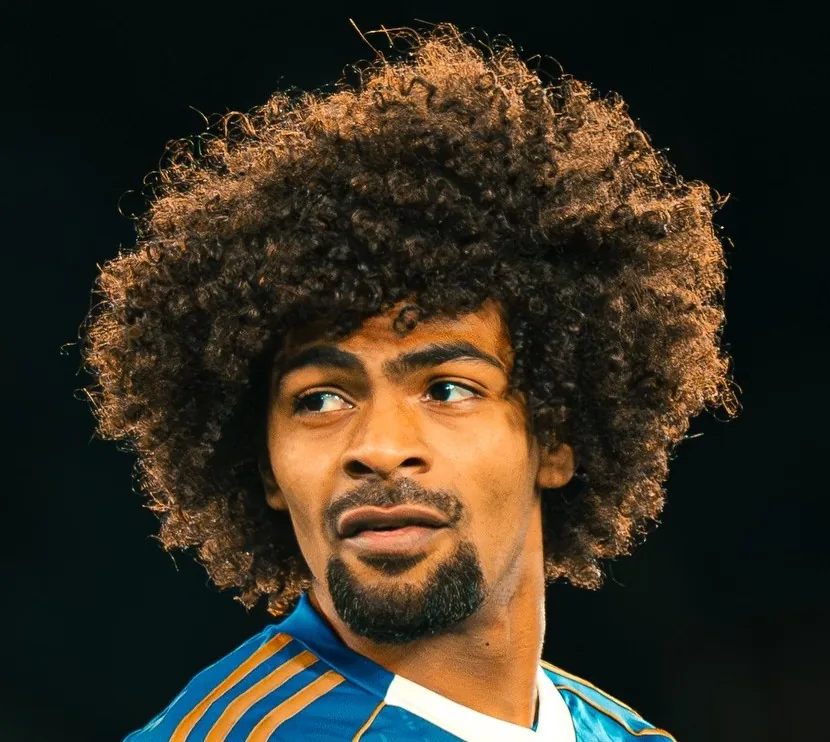
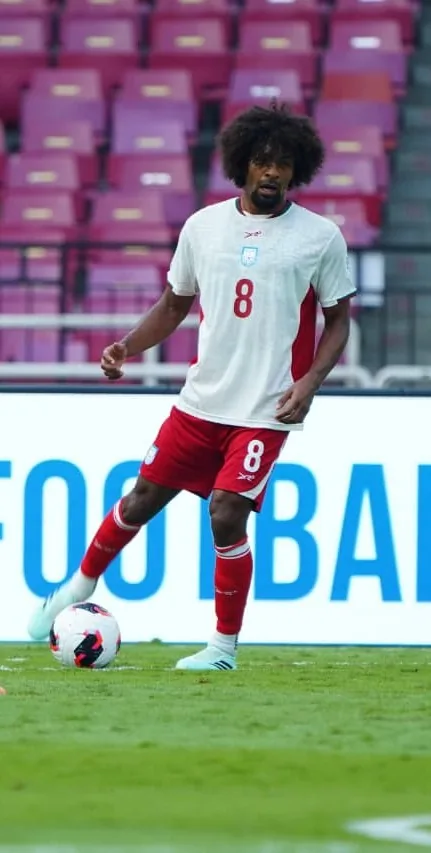
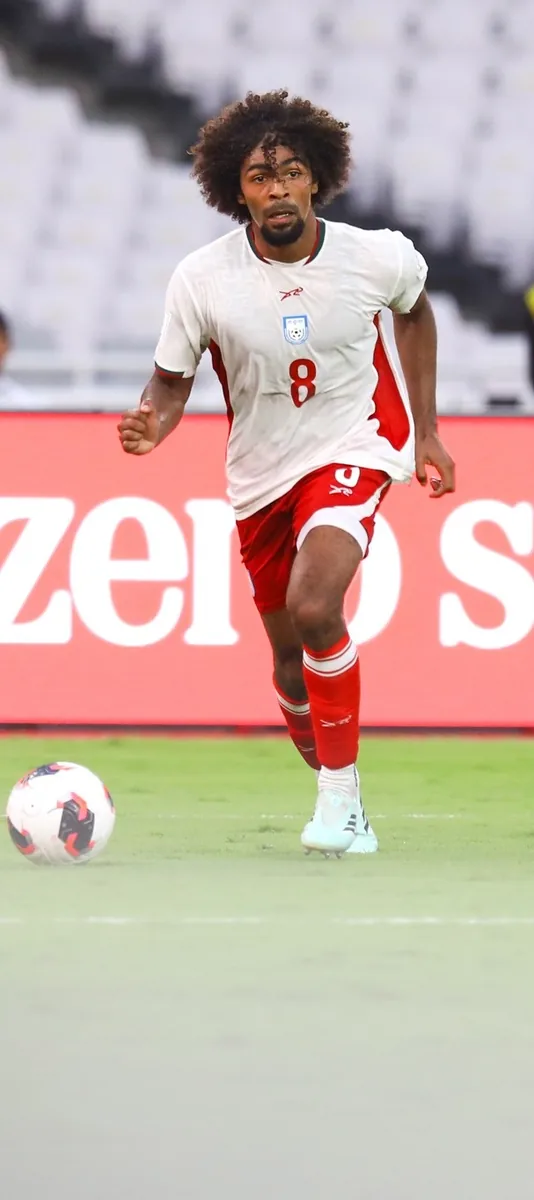
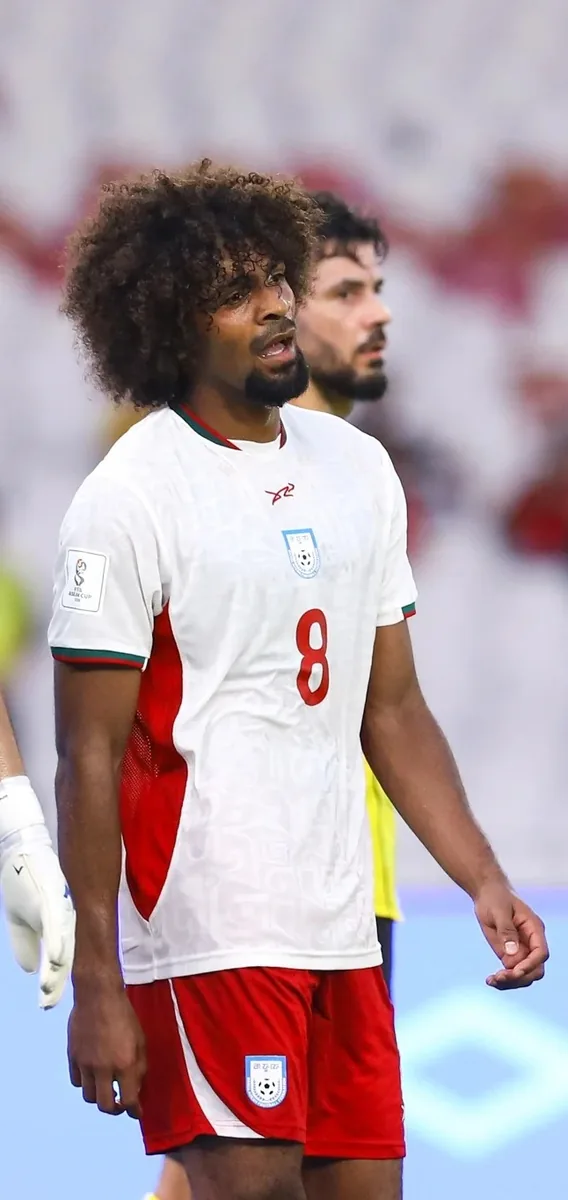
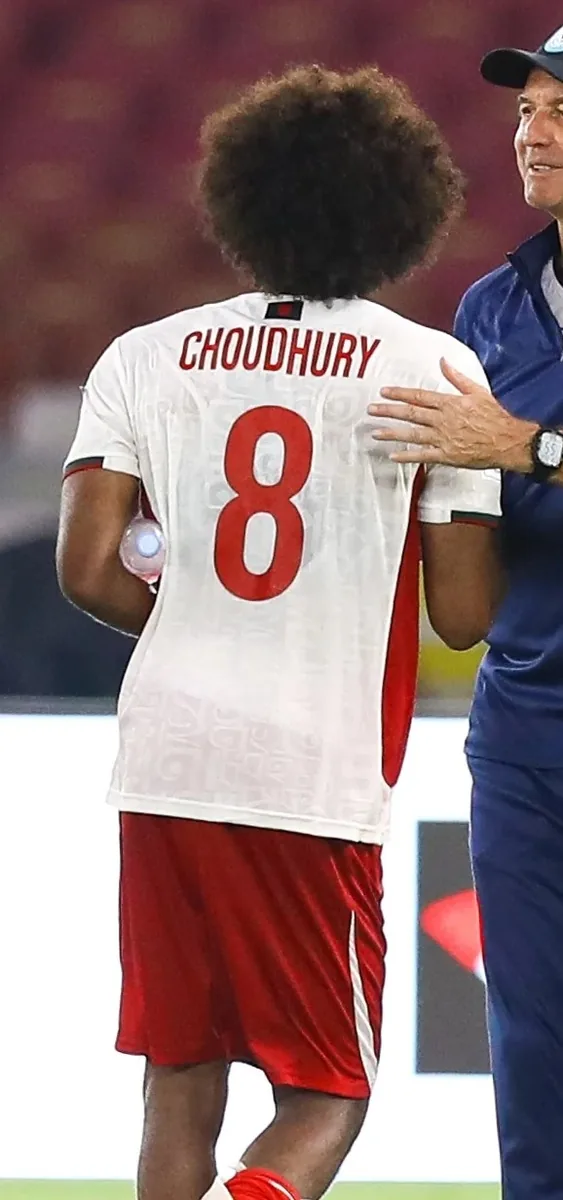
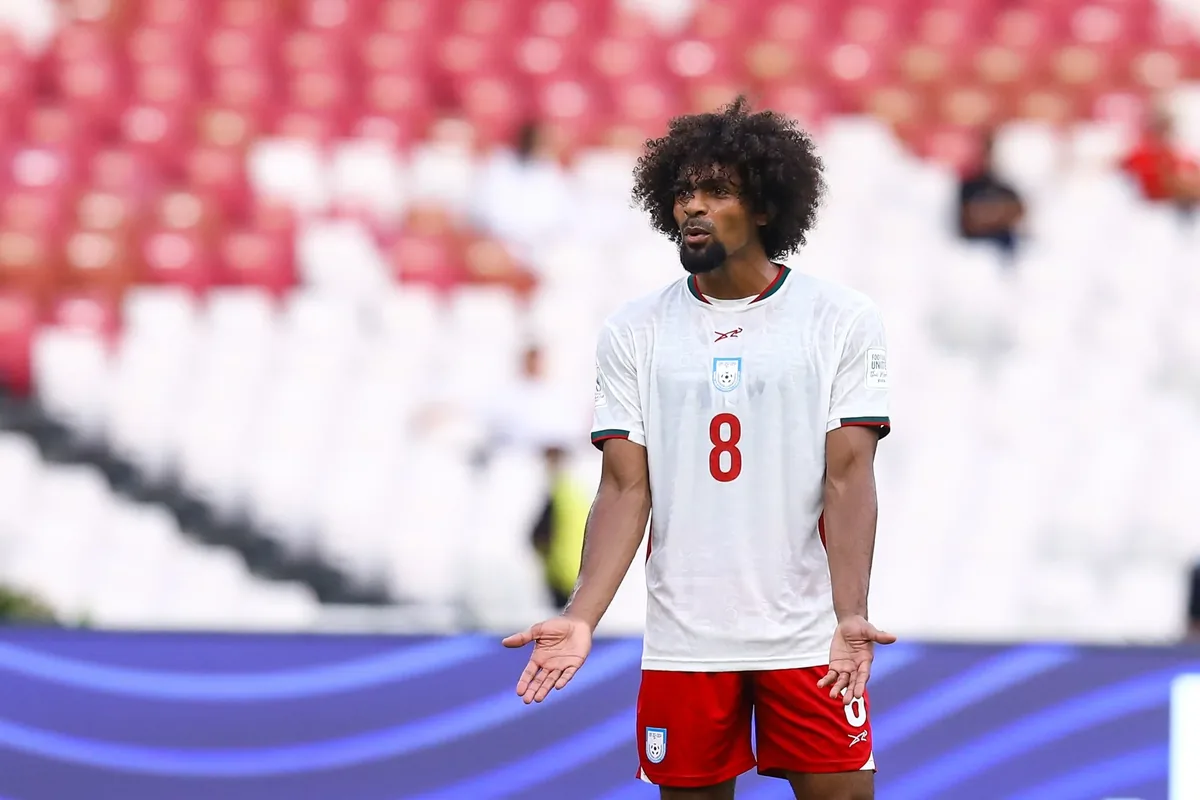
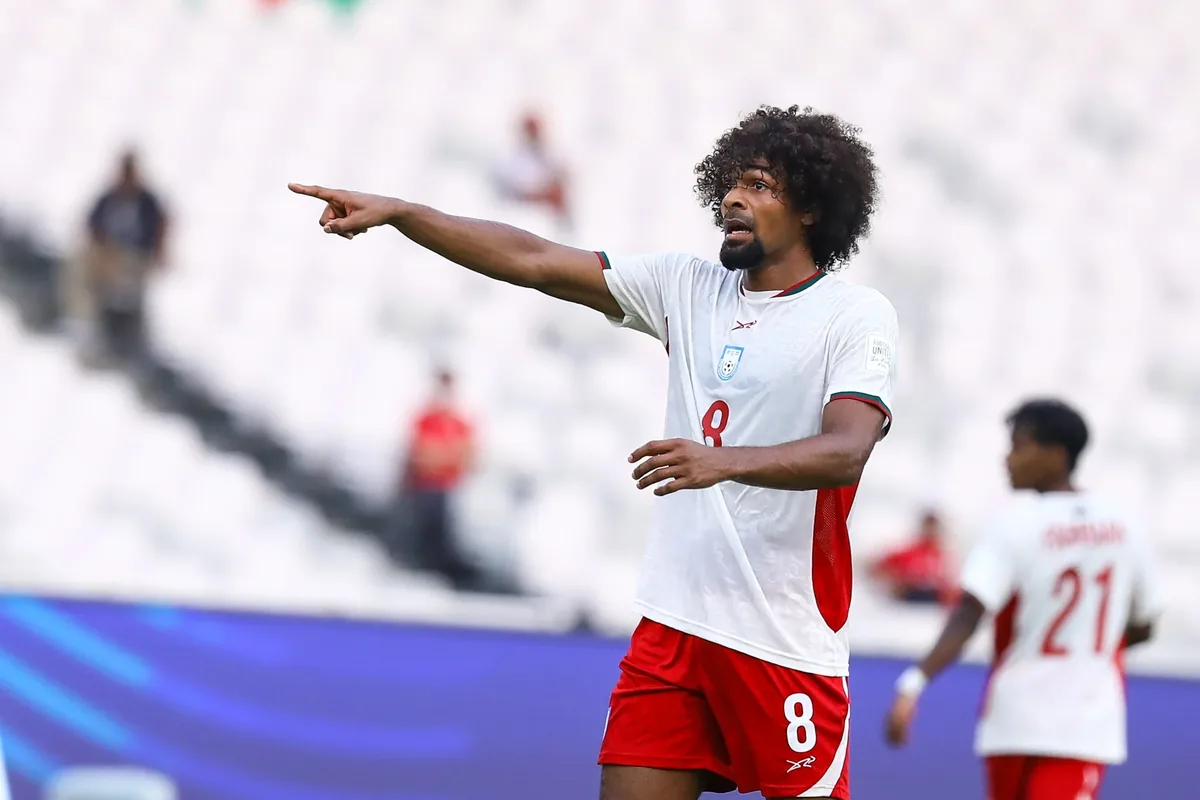
Select an image to enlarge it.
Enter the prompt
Once you have uploaded your reference images, use this prompt:
Character sheet prompt
Based on the reference images I have provided, create a character sheet showing:

- full-body front view
- full-body back view
- full-body side profile
- close-up of the face
- light grey background
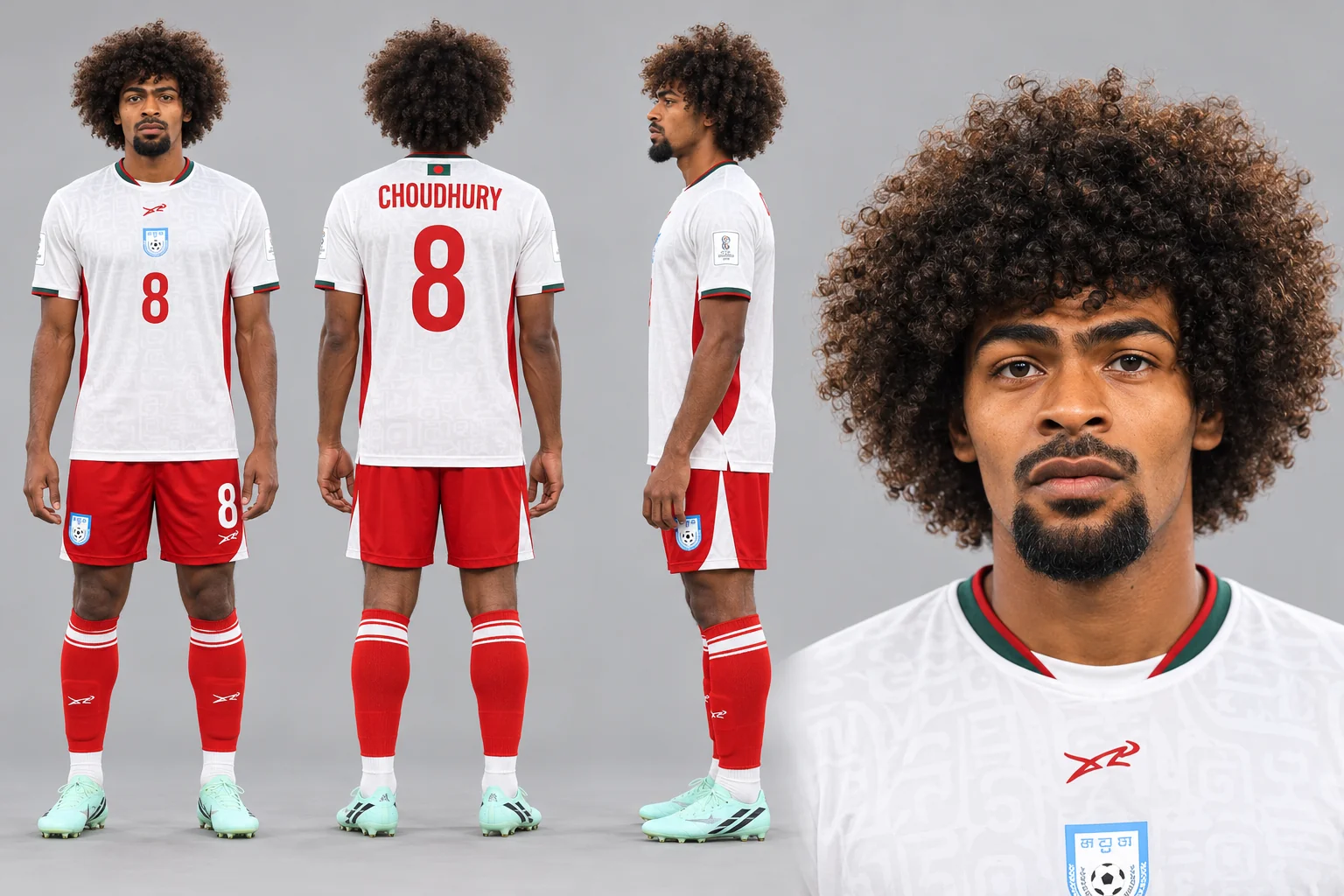
Remove the face from the front full-body view
Before using the character sheet for generation, edit the full-body front view and remove the face from that view.
You can use any image-editing tool or make the edit directly in ChatGPT. I use Adobe Photoshop because it is faster for me.
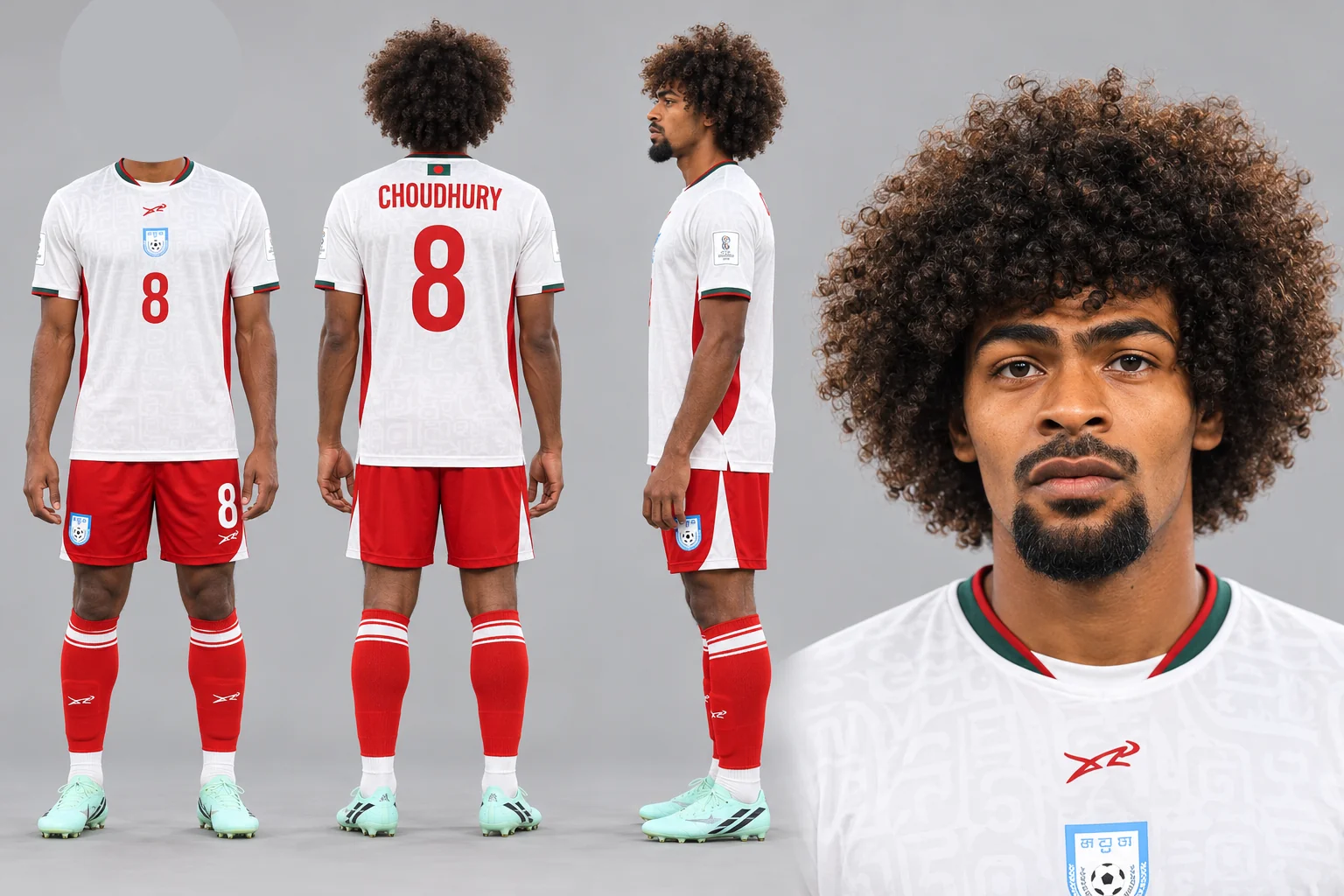
Done!
Bonus Tips
Use this prompt if you want to generate a female character with specific body measurements:
Prompt with body measurements
All the reference images I have provided show the same female character. Based on these reference images, create a character sheet of her showing:

- full-body front view
- full-body back view
- full-body side profile
- front-facing close-up of the face
- light grey background
- outfit in the character sheet: [describe your preferred outfit]
- body measurements: 38D-26-36